HarmonyOS Tap-to-Share (Phone to Phone) (2024)
Tap phone to phone for quick sharing without adding contacts.
HarmonyOS Tap-to-Share (Phone to Phone)
This page summarizes the HarmonyOS “Tap-to-Share / 碰一碰” experience for phone-to-phone sharing.
What it enables
- Quick sharing without adding contacts (Tap phone-to-phone to trigger sharing).
- Typical items include photos/videos, WLAN / hotspot information, documents, etc. (exact items depend on system/app/version).
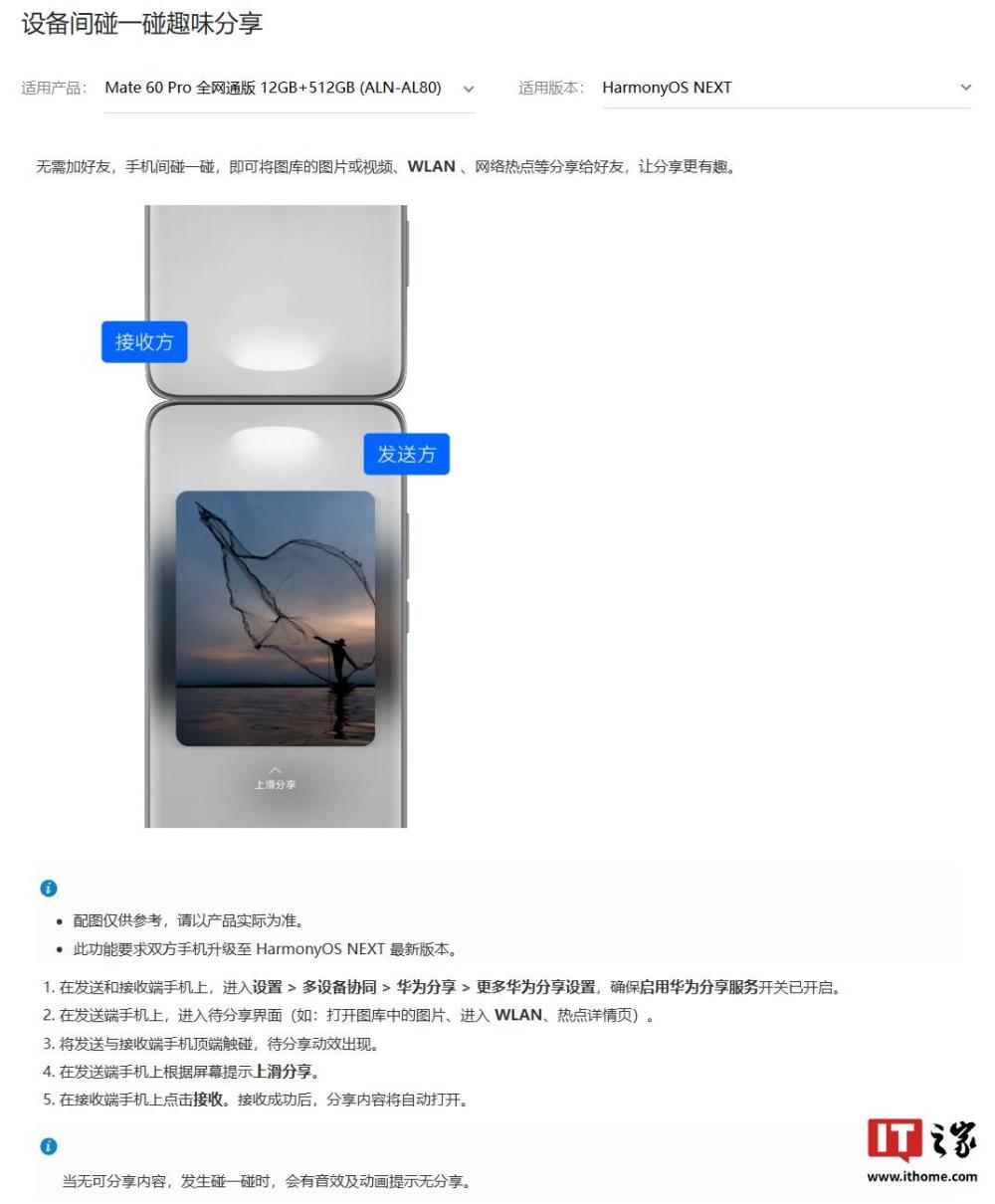
- After the tap animation appears, the sender performs an “up-swipe” action to send, and the receiver taps to accept (as described in reports).

Basic flow (reference)
- Both phones are on, unlocked, with Huawei Share enabled.
- Open a shareable screen (e.g., a photo in Gallery; WLAN / hotspot details).
- Touch the top edges of the two phones to trigger the “Tap-to-Share” animation.
- Follow on-screen prompts: sender swipes up to send; receiver taps to accept.
Notes / constraints
- Device/OS/app version requirements apply; availability varies by region and model.
- This page is a product-experience summary based on public sources; it is not an official specification.
Links / sources
- 腾讯新闻(引用 IT之家 内容):玩法与步骤说明:https://news.qq.com/rain/a/20241210A08YGY00
- 华为官网支持页:主题 App 的“碰一碰”资源分享说明(手机碰手机):https://consumer.huawei.com/cn/support/content/zh-cn16053007/