Huawei Watch Fall Detection (2021)
Automatic emergency assistance on Huawei Watch after severe fall detection.
Huawei Watch Fall Detection
Huawei Watch supports severe fall detection with SOS emergency assistance. After the feature is enabled, the watch can detect serious falls and trigger emergency actions, helping users reach contacts or public emergency services faster in critical situations.

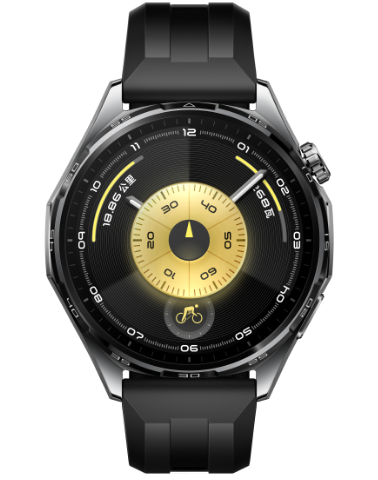
Automatic Emergency Assistance After Fall Detection
- When a severe fall is detected, the watch enters SOS flow. If no action is taken within 60 seconds, it automatically starts emergency calling.
- If emergency contacts are configured, the watch calls the first emergency contact and sends distress SMS with current location information to all emergency contacts.
- If no emergency contact is configured, the watch displays public emergency numbers for manual calling.
Manual SOS Trigger
Users can trigger SOS manually by pressing the upper button five times in a row. This path can quickly initiate emergency calling and related emergency notifications.
Setup Essentials
- In Huawei Health, complete Personal Emergency Information and add up to three emergency contacts.
- On watch, open Settings > SOS Emergency Assistance (or Settings > Security & Privacy > SOS Emergency Assistance) and enable fall detection.
- If dual-SIM phone is connected through Bluetooth, set the default calling SIM in advance for reliable emergency dialing.